Lend
Turn your gear into side income List what you already own
How lending works
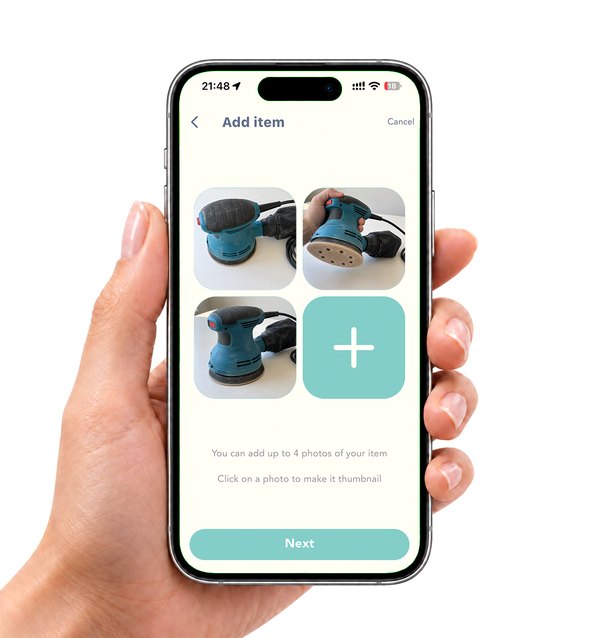
List your item
The Hive5 app asks you a few questions about your item and takes it from there.
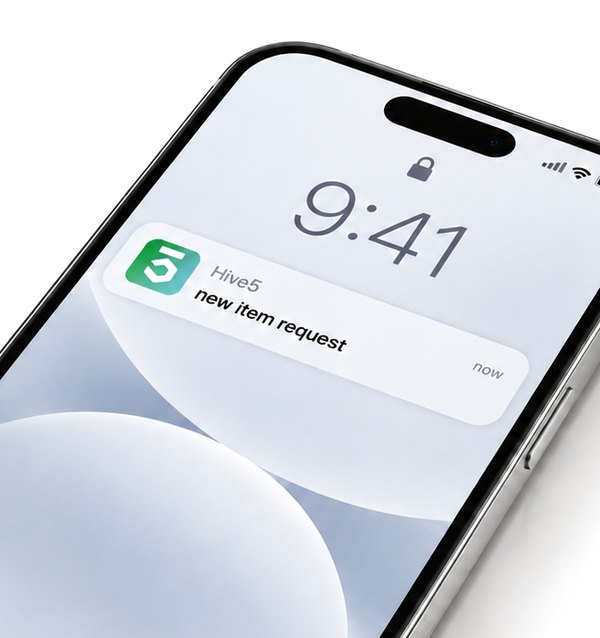
Receive orders
Confirm the pickup time and location with the renter and meet them.
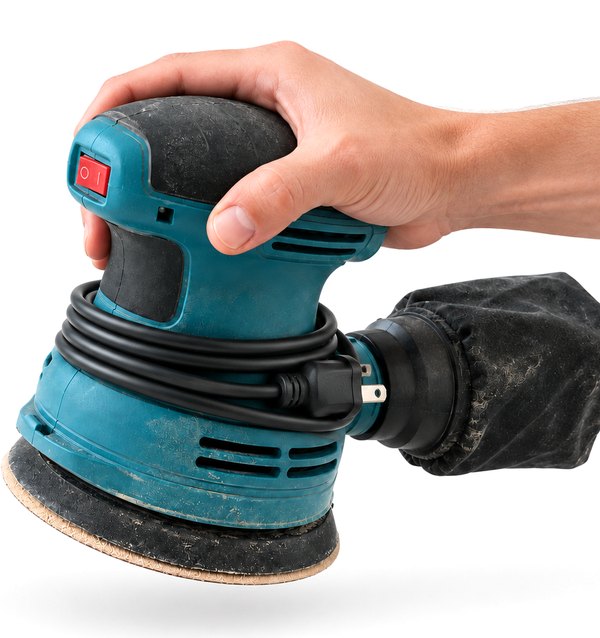
Collect your item
Meet the renter to collect your item, inspect it, and charge damage fees if needed.
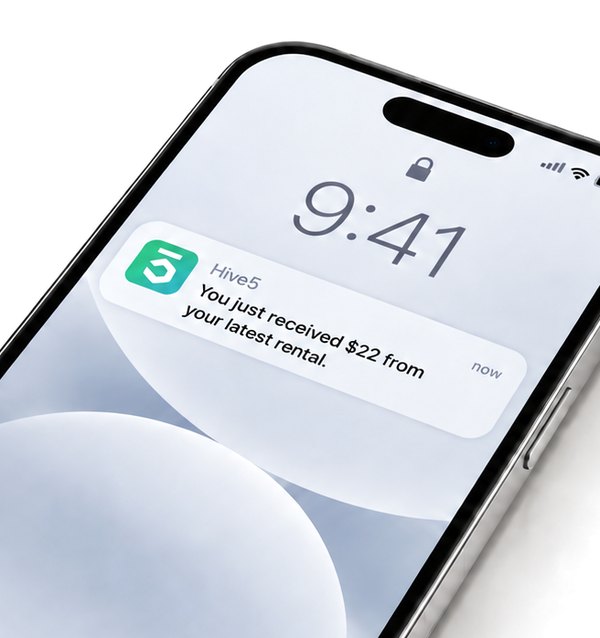
Get paid
Hive5 will transfer the money to your connected account within 30 days.
Your item comes back, or the security deposit covers it
Hive5 lets you inspect your item on return. If it is not in the condition you sent it out in, you can charge the renter for the damage. Deposits are held for the length of the rental, and every renter has completed an ID verification check.
Already running a rental business?
Hive5 brings you renters actively searching for items you already own, with no disruption to your existing systems, pricing, or workflows.